
The CDRs page in VSS lets you search your call history by date, caller, destination and more, then export the results as a spreadsheet for your own reporting or reconciliation.
ℹ
Don't have VSS login access yet? Email servicedesk@nesscom.net and we'll set up your credentials.
How to export your CDRs
-
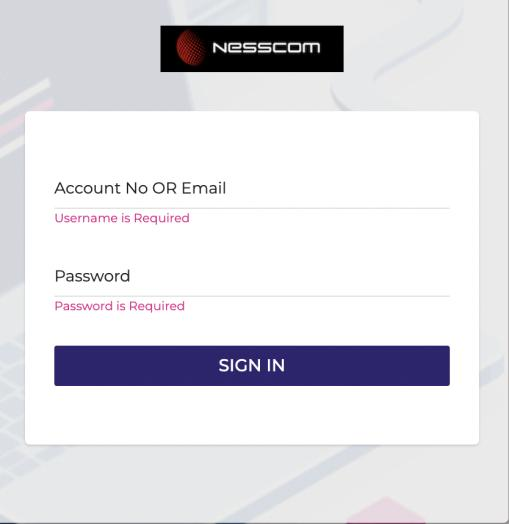
Log in to your VSS account at vss.nesscom.net.
-
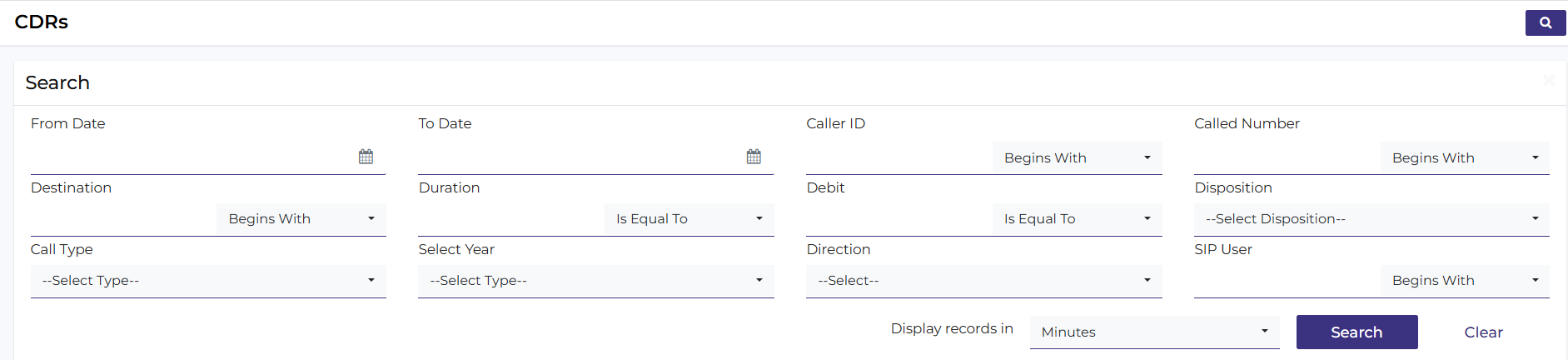
Open the CDRs page and click the Search button in the top right to reveal the filter form.
-
Fill in the details you want to filter by — such as a date range, caller ID or called number — then click Search. You can leave fields blank to pull a broader range of records.
-
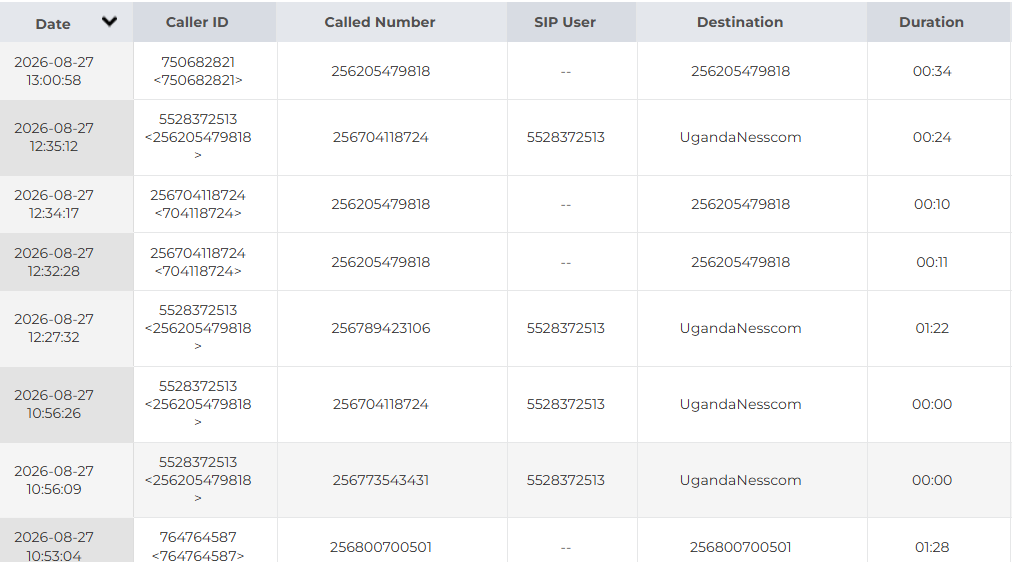
Your matching call records are displayed in a table, with columns for date, caller ID, called number, SIP user, destination and duration.
-
Click the Export button to download the results as a spreadsheet to your browser.

Still stuck, or don't have VSS access?
Our service desk can help with logins or anything else you need.
Email Service Desk