
Every time your VSS account is topped up — whether through self-service Mobile Money or a manual refill — it's logged in your Refill Report. Use it to reconcile top-ups against your own records or finance team.
ℹ
Don't have VSS login access yet? Email servicedesk@nesscom.net and we'll set up your credentials.
How to view your refill report
-
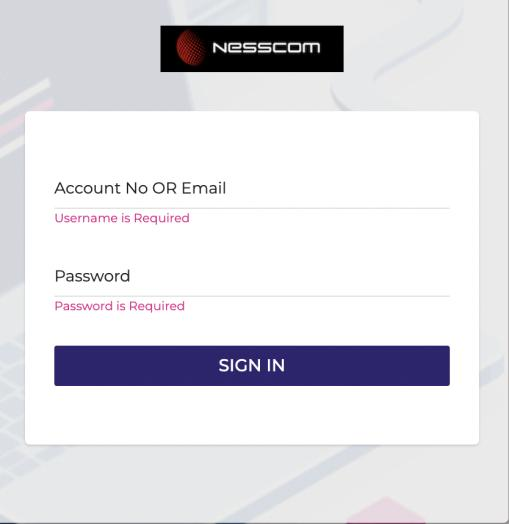
Log in to your VSS account at vss.nesscom.net.
-
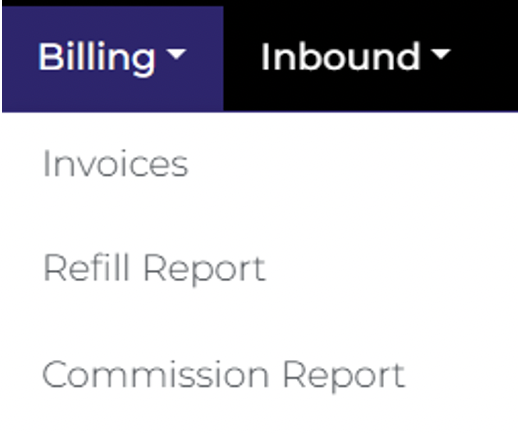
Open the Billing menu and select Refill Report — it sits between Invoices and Commission Report.
-
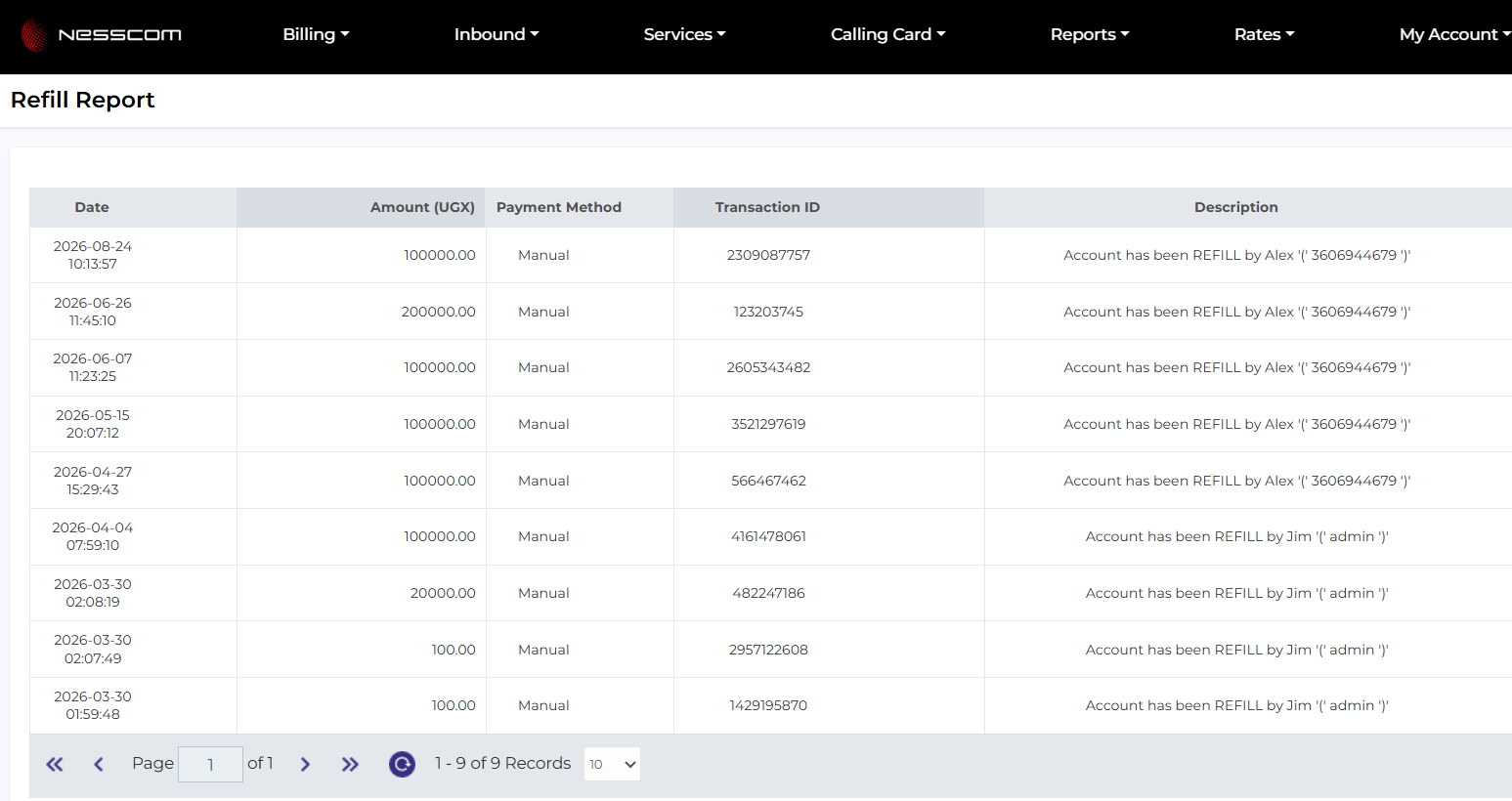
Your refill history is listed with the date, amount, payment method, transaction ID and a description of who processed each refill.
-
Use this table to reconcile top-ups against your own records — for reconciliation across a longer period, adjust the page size or scroll through additional pages at the bottom of the table.
Still stuck, or don't have VSS access?
Our service desk can help with logins or anything else you need.
Email Service Desk