
VSS now allows customers to add credit directly to their accounts through the VSS portal using MTN Mobile Money or Airtel Money. The whole process takes a couple of minutes and your balance updates automatically as soon as payment is confirmed.
How to top up
-
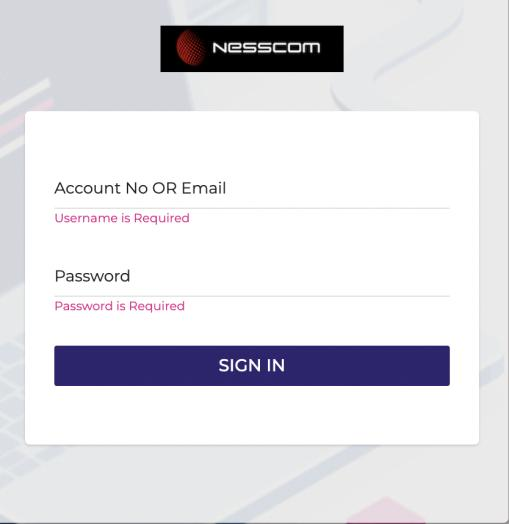
Log in to your VSS account at vss.nesscom.net.
-
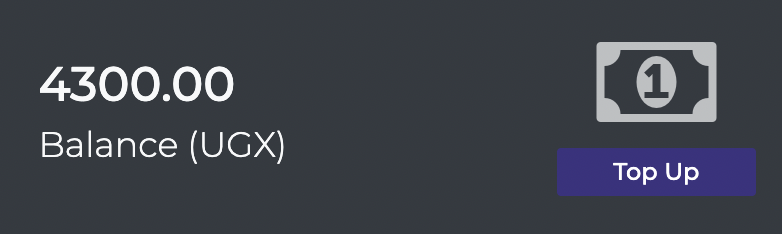
Navigate to Balance and click the Top Up button.
-
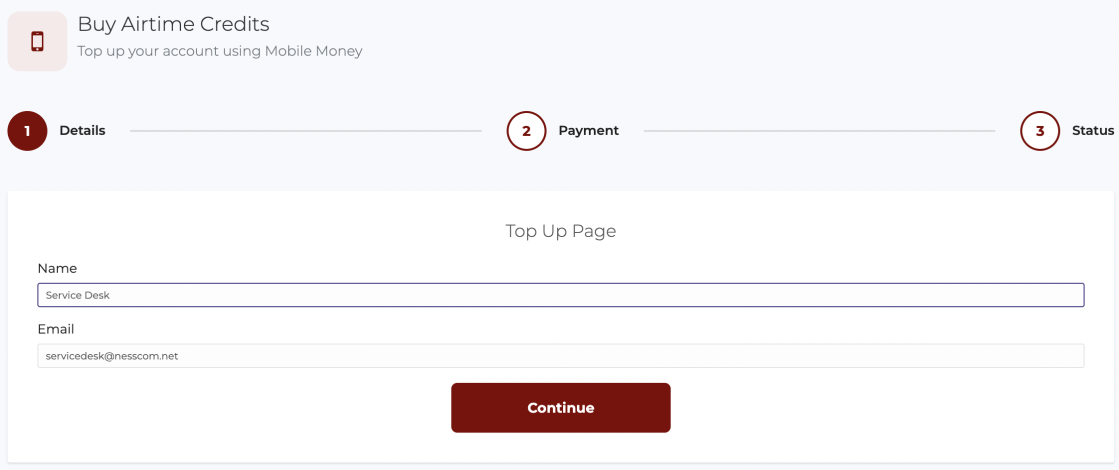
Enter your Full name and the Email address you want the receipt sent to, then click Continue.
-
Select your Mobile Money provider — MTN Mobile Money or Airtel Money — enter the phone number you'd like to pay from, and the amount you wish to top up.
⚠Minimum top-up amount: UGX 100,000.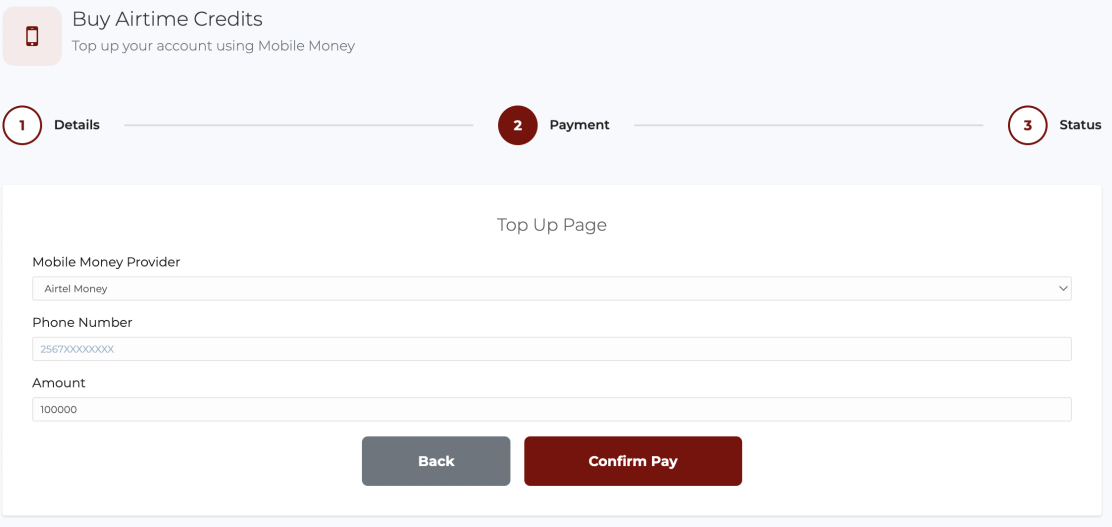
-
Click Confirm Pay. A Mobile Money authorization request will be sent to the phone number you entered.
-
Enter your Mobile Money PIN on your phone to approve the transaction.
-
Once payment is successful, your VSS account balance is credited automatically — no manual step needed on your end.
-
A transaction confirmation receipt is also sent to the email address you provided in step 3.